
This has been happening to me a lot recently (within the last couple of years). I go to charge a Symphony pen (one that I’ve been using or one from a small lot of Symphony pens that I purchased a few years ago) and on plugging into the USB socket, nothing happens. No ‘beep,’ no glimmer of light from the LED, it just sits there. So like many of you, I leave it plugged in, hoping that somehow the battery will start to take a charge so that the pen can come back to life. Alas, no happiness.
This was a problem. Especially since I had hoped to sell the Symphony pens that I’d purchased. Clearly, smartpens have a shelf life; specifically, their batteries have a shelf life. This might not be a problem if you regularly or even irregularly charge your Symphony pen or your Aegir pen or your Echo pen. If you let a lithium battery sit long enough without charging, it will die and never accept a charge again.
One of my graduate students was complaining that his Symphony pen would no longer accept a charge. Well, this was a motivating factor to try to figure out where to get replacement batteries. Livescribe doesn’t sell them. No third party seemed to advertise that their batteries fit Livescribe pens. I was going to have to look at the battery before I’d have enough information to actually search for a replacement battery.
It took a bit before I could reliably open a Symphony pen without grossly defacing it. Do not try to do this with vice-grips or pliers with cloth wrapped around the grippy ridges – you will put claw marks into the soft plastic that makes up the barrel and the end plug! You can move the plug on the USB end back and forth with your fingers to loosen it. Once loosened, it will pull straight off. It’s just there to protect the USB socket. Don’t try to remove the facia surrounding the tip of the refill. It doesn’t really detach from the innards of the pen. Remarkably, the guts of the pen are kept from sliding out of the barrel by the plug (which you’ve removed) and by some double-sided tape that grabs the barrel and the working parts of the pen. If you gently press the USB socket into the tabletop, straight up and down, mind you! The double-sided tape will eventually let go of the barrel, and you can pull the working parts of your Livescribe Symphony straight out!
Here are some pictures. (Sorry that the lighting is so horrible. I don’t have a proper setup for taking shadow-less pictures.)
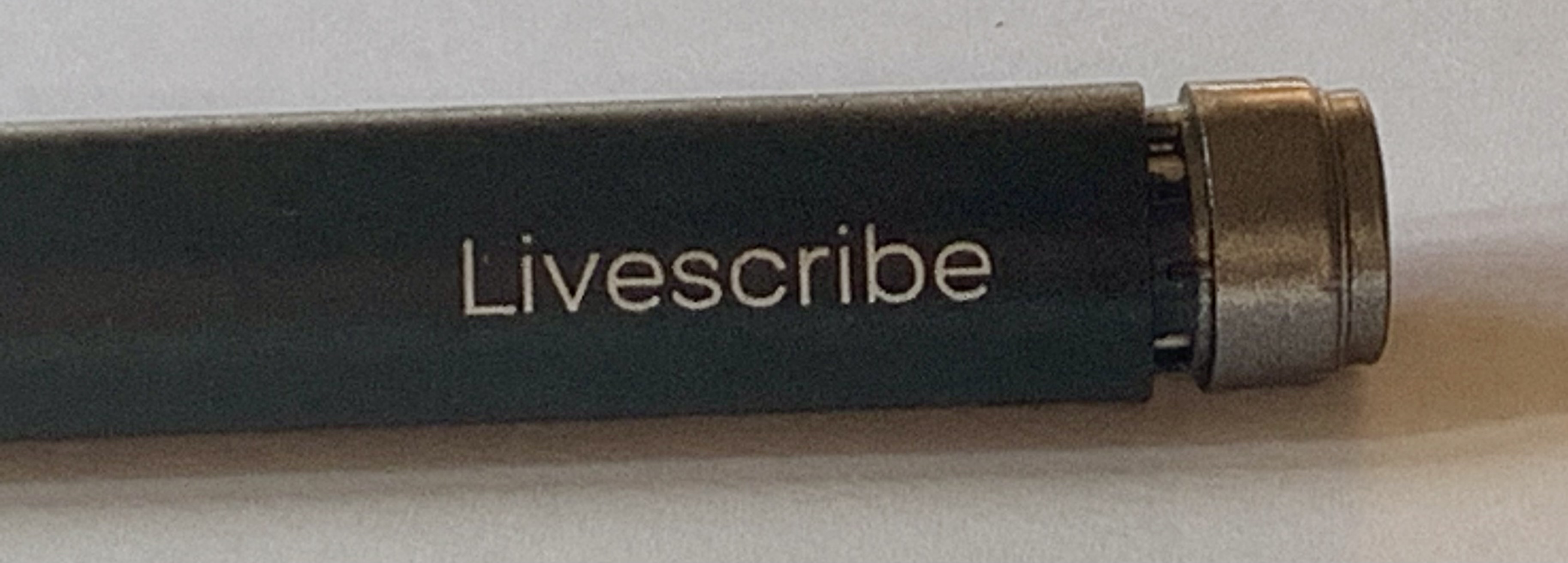
Here is the end of the Symphony pen after using my fingers to wiggle the end cap free.
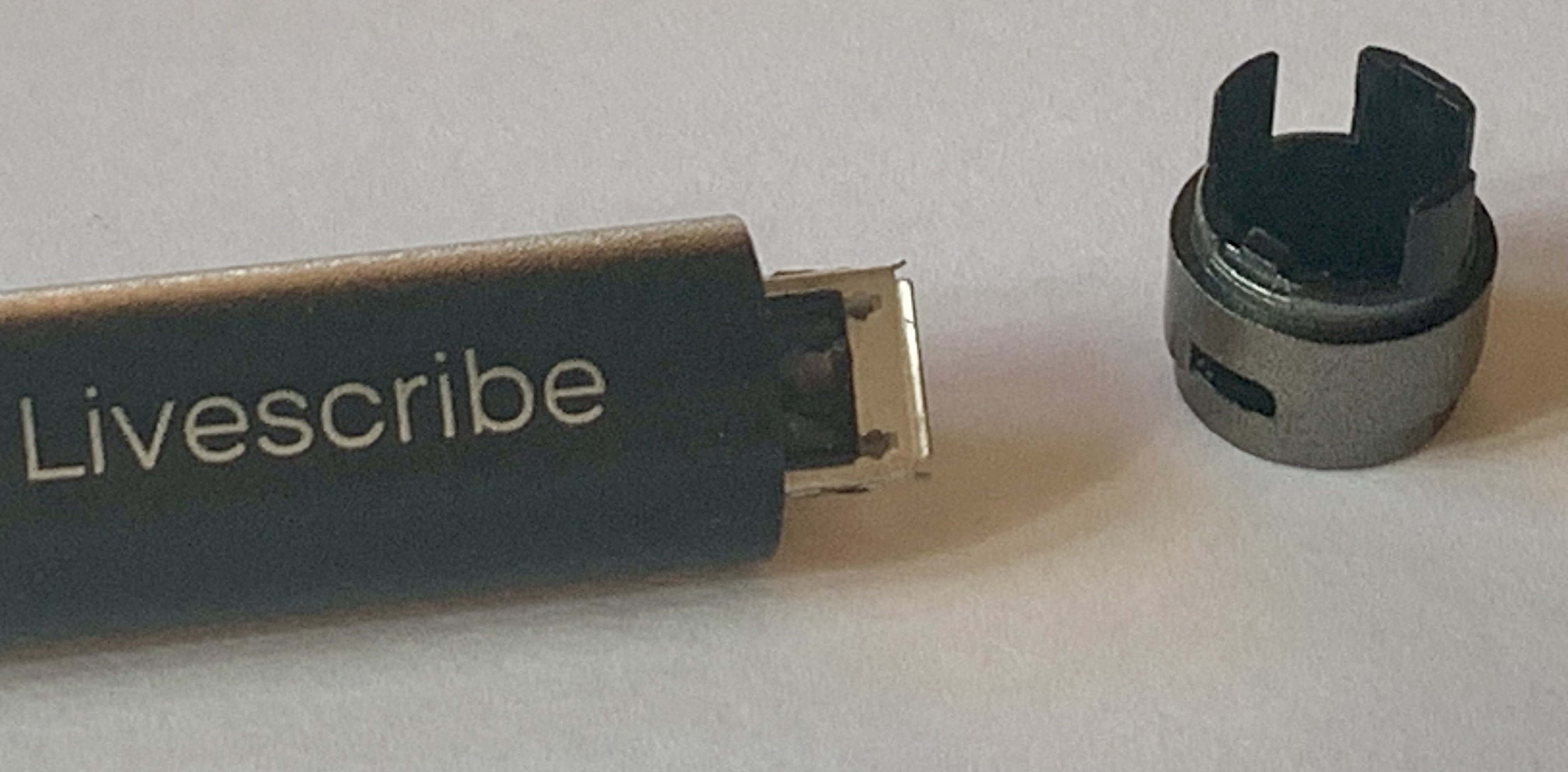
You can pull the plastic cap straight off, exposing the USB connector. Yes, the cap has three prongs; nothing is broken here!
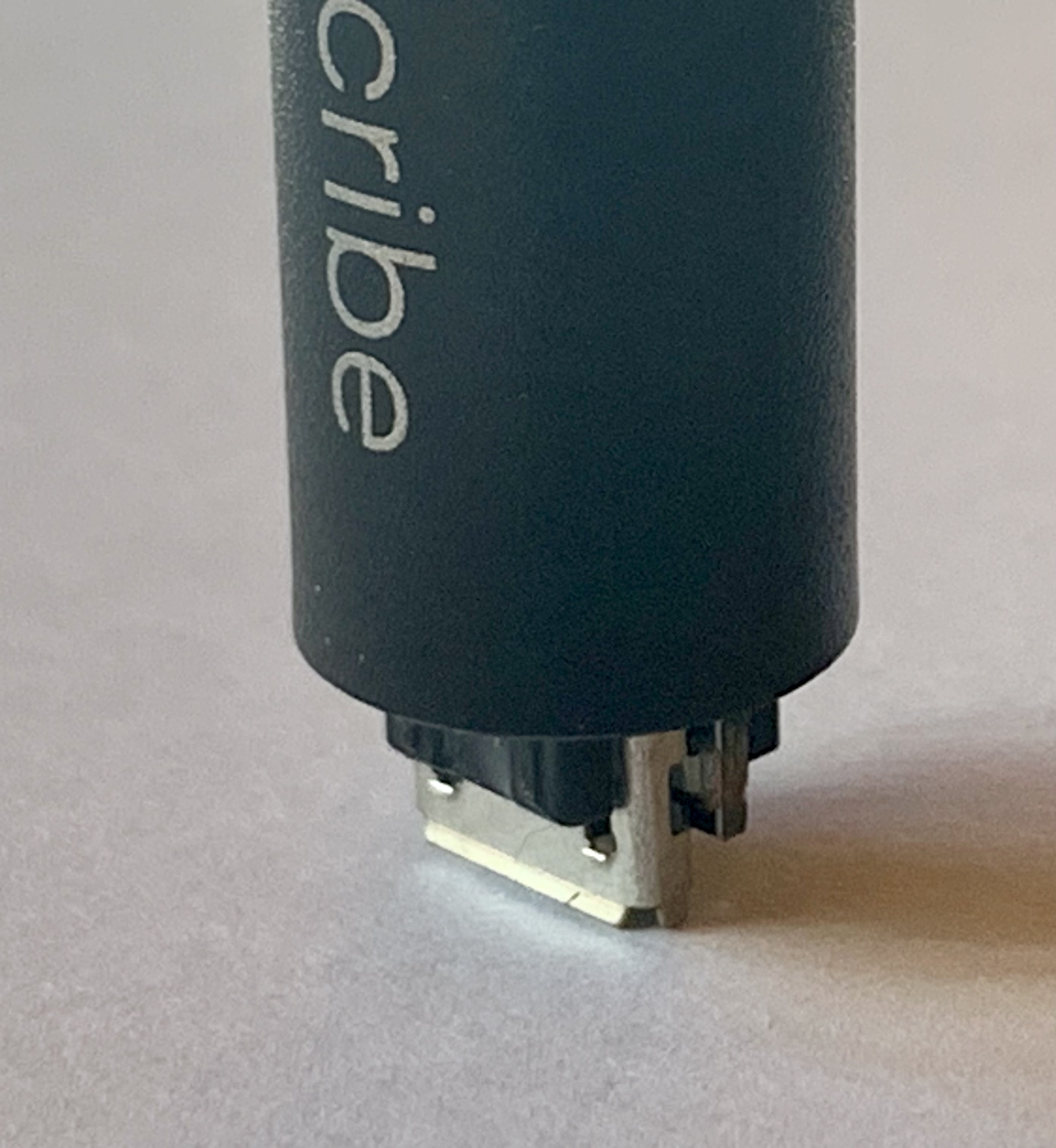
Hold the Symphony pen straight up and down and gently press down. This will force the pen innards out of the other end of the barrel. You can see the double-stick tape that was holding everything together.

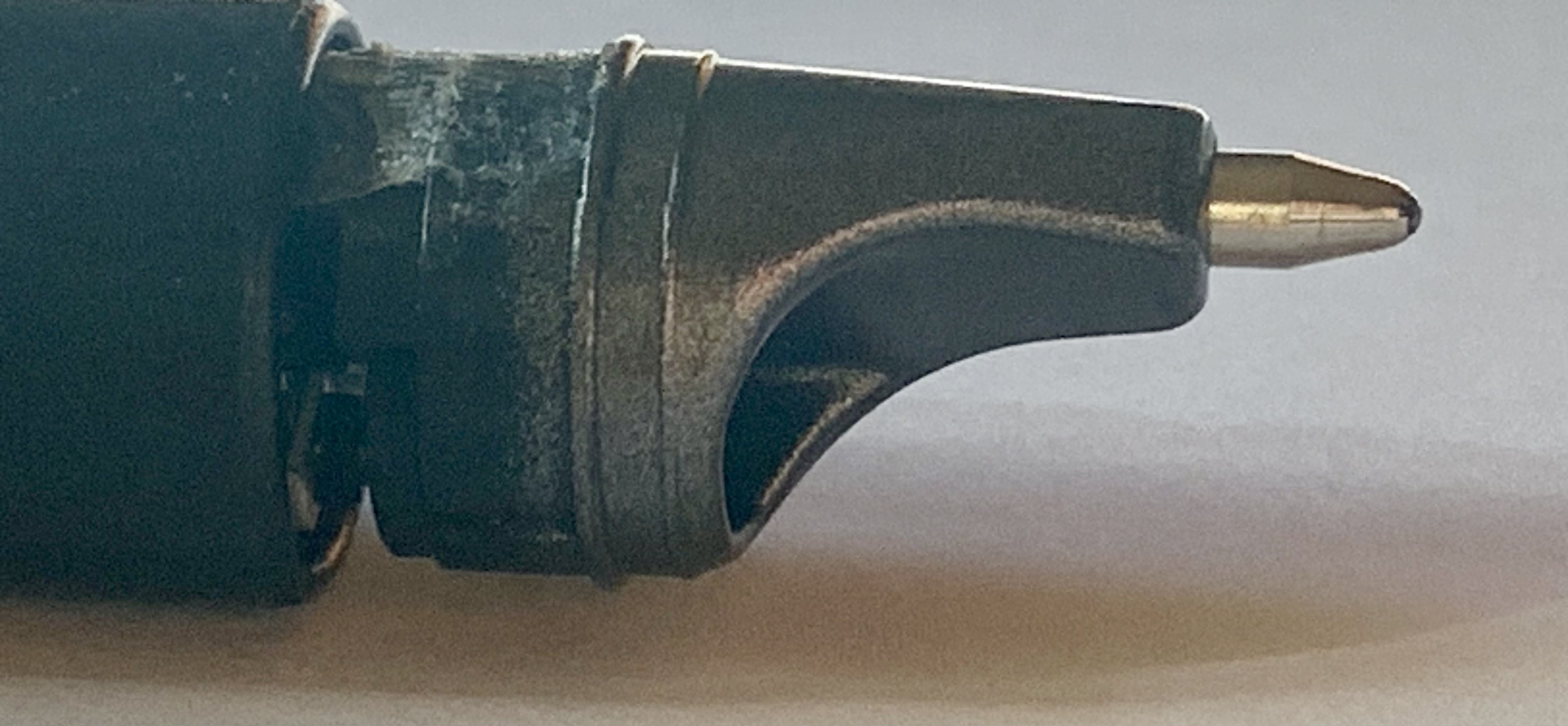
At this point, grab the working end of the pen and pull it straight out of the barrel. You will have the working bits out now. There is a lot of tape holding things in place. The LED is under the white plastic housing, and you can see the ballpoint pen refill. On the other side, you see the colored wires going from the battery (under the red tape) up to the JST connector (hidden under the black tape).
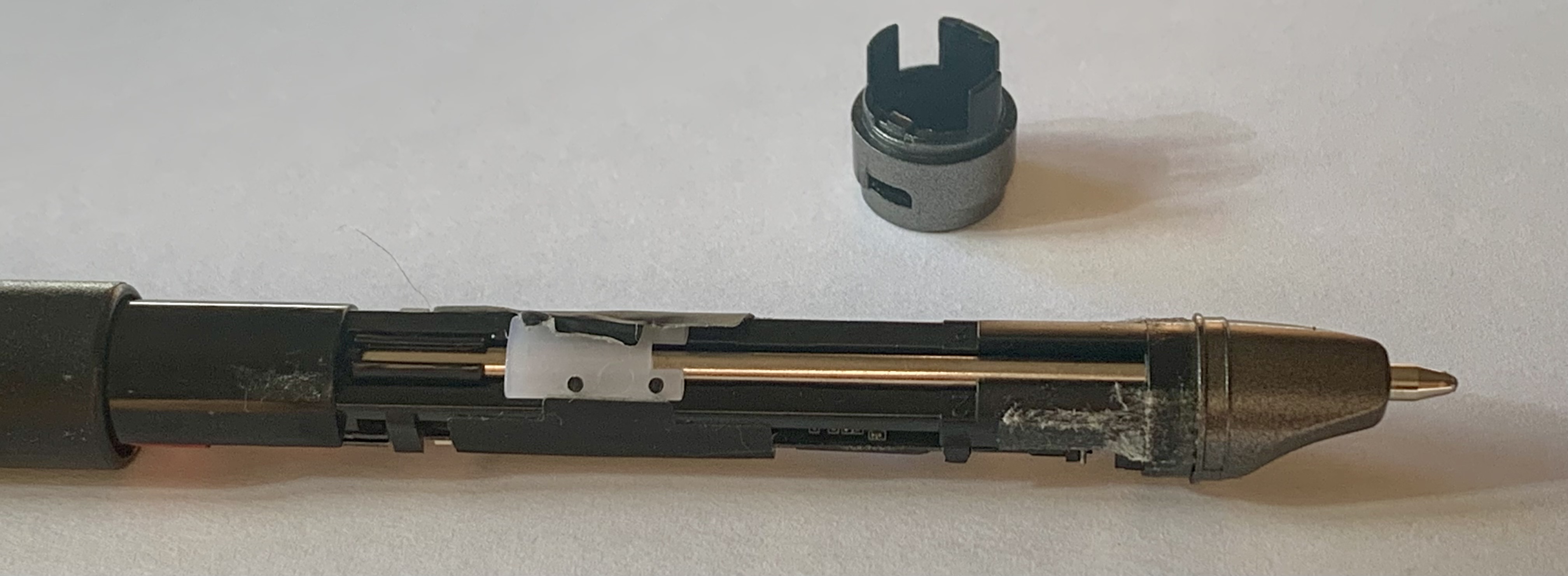

Now, to figure out the battery situation… to be continued.
 Generic Refills